Most “AI for WordPress” tools let your AI write a blog post, maybe suggest a title, maybe help with a meta description. Nice. Polite. Useless for anyone building something real.
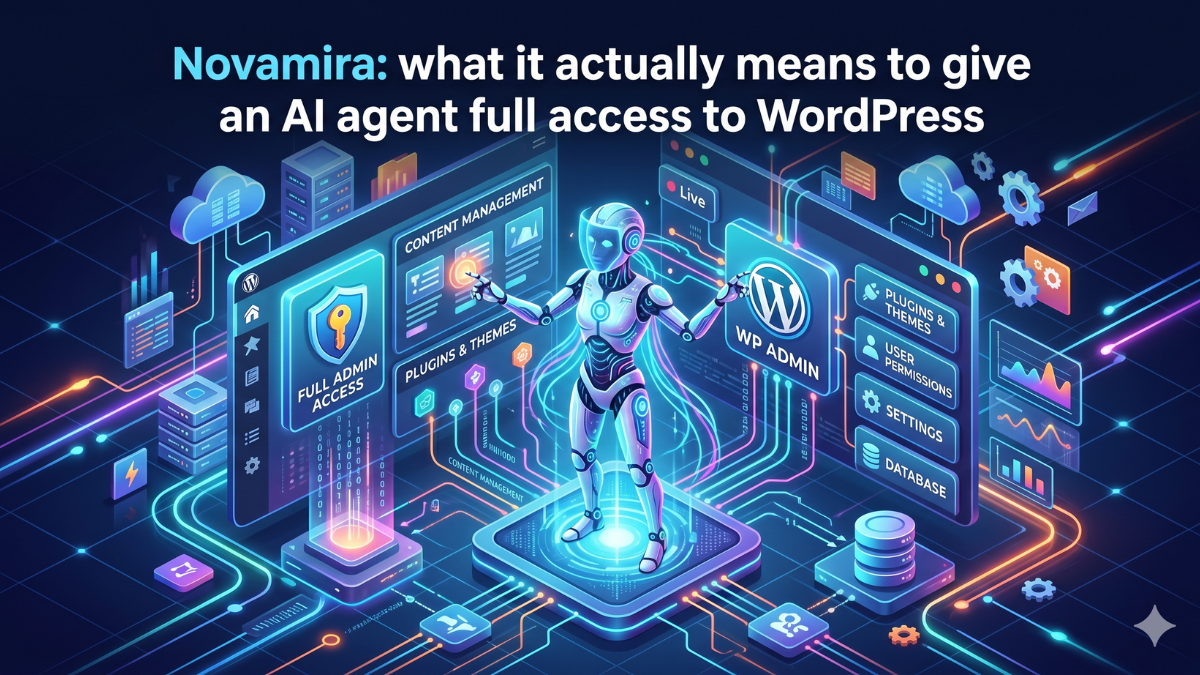
Novamira does something different. It gives your AI agent direct access to PHP execution, WP-CLI, the database, and the filesystem. Your agent doesn’t suggest code. It runs code on your actual site.
That’s either exactly what you’ve been waiting for, or it sounds terrifying. Probably both.
What’s actually happening under the hood
Novamira is a WordPress plugin. You install it, activate it, and it registers a set of MCP primitives, basically a collection of tools your AI client can call to interact with your WordPress install.
The connection goes directly from your AI client to your server. No proxy. No hosted service in the middle. Nothing touches Novamira’s servers. Your AI connects through MCP, and the plugin handles the rest locally.
The setup is two steps. Install the plugin, then open the Novamira → Connect panel and copy the setup prompt. Paste it into your AI client. The agent writes its own MCP config and restarts the session. That’s it. The whole thing takes about 2 minutes.
What the agent can actually do
This is where it gets interesting.
PHP execution. Your AI runs real PHP inside your WordPress process. Every function, every plugin, the full database. This means it can fix a 500 error, debug why the homepage is slow, or write a custom function and actually test it, not just hand you a snippet and wish you luck.
WP-CLI with background jobs. Long migrations and bulk tasks that would time out in the browser run as background jobs. Regenerating all thumbnails on a 3,000-image site, running a search-replace across an entire database, bulk-updating WooCommerce prices by category — those all work.
Filesystem access. Read, write, and edit files anywhere under WordPress. New PHP files land in a sandbox first, so they’re recoverable. Database changes and config edits run live, which is why Novamira is explicit: this is for dev and staging environments. With backups. Always.
Skills. You can write short Markdown playbooks that the agent follows automatically when their description matches a task. Want the AI to always follow your team’s naming convention for pages and slugs? Write a skill for it once. The agent uses it every time.
One-time admin links. For browser automation tools, the agent can generate short-lived admin access links. No passwords exposed.
The free vs. pro line
Free gives you the full core: PHP execution, WP-CLI, file editing, uploads, native Block Editor blocks, and Skills. That’s genuinely a lot. Most teams will get real work done with just that.
Pro adds deep integrations for Elementor, Bricks, and field plugins. On Elementor, the agent can edit pages, widgets, dynamic tags, and global classes, convert v3 pages to v4, and create atomic widgets from scratch. On Bricks, it handles elements, styles, components, and global classes without JSON patching. For fields, it covers ACF, JetEngine, Meta Box, ACPT, Pods, and ASE: reading, writing, managing field groups, bulk updates, and migrations between plugins.
Pro also adds persistent project memory, so the agent remembers your site’s structure across sessions instead of rediscovering it every time.
Pricing starts at €49/year, which is low enough that any freelancer billing by the hour will cover it on the first task it saves them from doing manually.
Compatible with every major AI client
Claude Code, Cursor, Windsurf, Zed, Gemini CLI, VS Code + Copilot, Cline, Warp, Continue, Codex—and anything else that’s MCP-compatible. You pick your AI. Novamira just provides the connection to WordPress.
That matters because the field is moving fast. Locking into a vendor-specific integration means you’re betting on that vendor staying relevant. MCP is an open protocol. Your investment in learning how to use Novamira carries across clients.
The security question you’re definitely thinking about
Yes, an AI agent with PHP execution access can do a lot of damage if something goes wrong.
Novamira is clear about this. Every request is authenticated over HTTPS. New PHP files land in a sandbox. But direct code execution, database changes, and config edits run live. There’s no automatic undo for everything.
Their answer to this is the same as any developer’s answer: dev and staging environments, with backups, always. You review every action. The AI model you pick, the level of trust you give it, the scope of what you ask it to do — that’s all on you.
If you run this on a live production site without backups and something breaks, that’s not a Novamira problem. It’s the same risk you’d take if you let a junior developer with SSH access loose on your server without supervision.
Used properly, the risk is manageable. The agent reads your entire setup before writing anything: database, post meta, options, active plugins, and theme structure. That context reduces the chance of stupid mistakes. It’s less likely to overwrite something important if it understands what’s important first.
Who this is actually for
Freelancers and agencies building client sites. If you’re customizing WooCommerce setups, configuring ACF field groups, converting page builder templates, or doing database migrations regularly, Novamira turns hours of careful manual work into prompts. You still review the output, but the first draft is already done and running.
WordPress developers who want AI in their actual workflow. Most AI coding tools give you code in a chat window. You copy it, paste it, run it, fix it, and paste it again. Novamira cuts that loop. The agent writes and runs in the same step.
Agencies managing multiple dev environments. The Skills feature matters here. Write the playbook once for how your team structures sites, and every agent on every project follows it.
It’s probably not the right fit for anyone who doesn’t have a clear dev/staging discipline. The power only makes sense if you already have the habit of not testing on production.
The bigger picture
WordPress powers about 43% of the web. Most of the AI tooling built around it is cosmetic—content helpers, SEO suggestions, and chatbot widgets. Novamira goes lower in the stack, closer to how developers actually work, and that’s why it’s worth paying attention to.
The shift from “AI suggests” to “AI executes” is the interesting one. Novamira is an early, serious example of what that looks like in a real CMS environment.
If you’re a WordPress developer and you haven’t tried running an actual agent against a staging site yet, this is a reasonable place to start.